In this article
- Why You Need a Content Calendar
- Step 1: Define Your Content Goals
- Step 2: Determine Your Content Quantity
- Step 3: Choose the Right Calendar Tool
- 1. Google Sheets or Excel
- 2. Trello
- 3. Notion
- 4. Asana or ClickUp
- 5. WordPress Editorial Calendar Plugin
- Step 4: Build Your Content Calendar Structure
- Step 5: Plan Topics and Keywords Ahead
- Step 6: Set a Workflow and Roles
- Step 7: Revisit and Optimize Monthly
- Template Recommendations
- 1. Google Sheet Content Calendar
- 2. Notion Calendar + Board View
- 3. Trello Editorial Board
- Conclusion: Keep It Simple and Consistent
A well-organized content calendar is essential for running a successful website, whether you’re a solo blogger, a marketing team, or an editorial department. It allows you to plan ahead, stay consistent, align content with business goals, and avoid publishing chaos. In this guide, we’ll walk you through how to create and maintain a content calendar, recommend tools and templates, and explain how the right quantity of content depends on your goals and team capacity.
Why You Need a Content Calendar
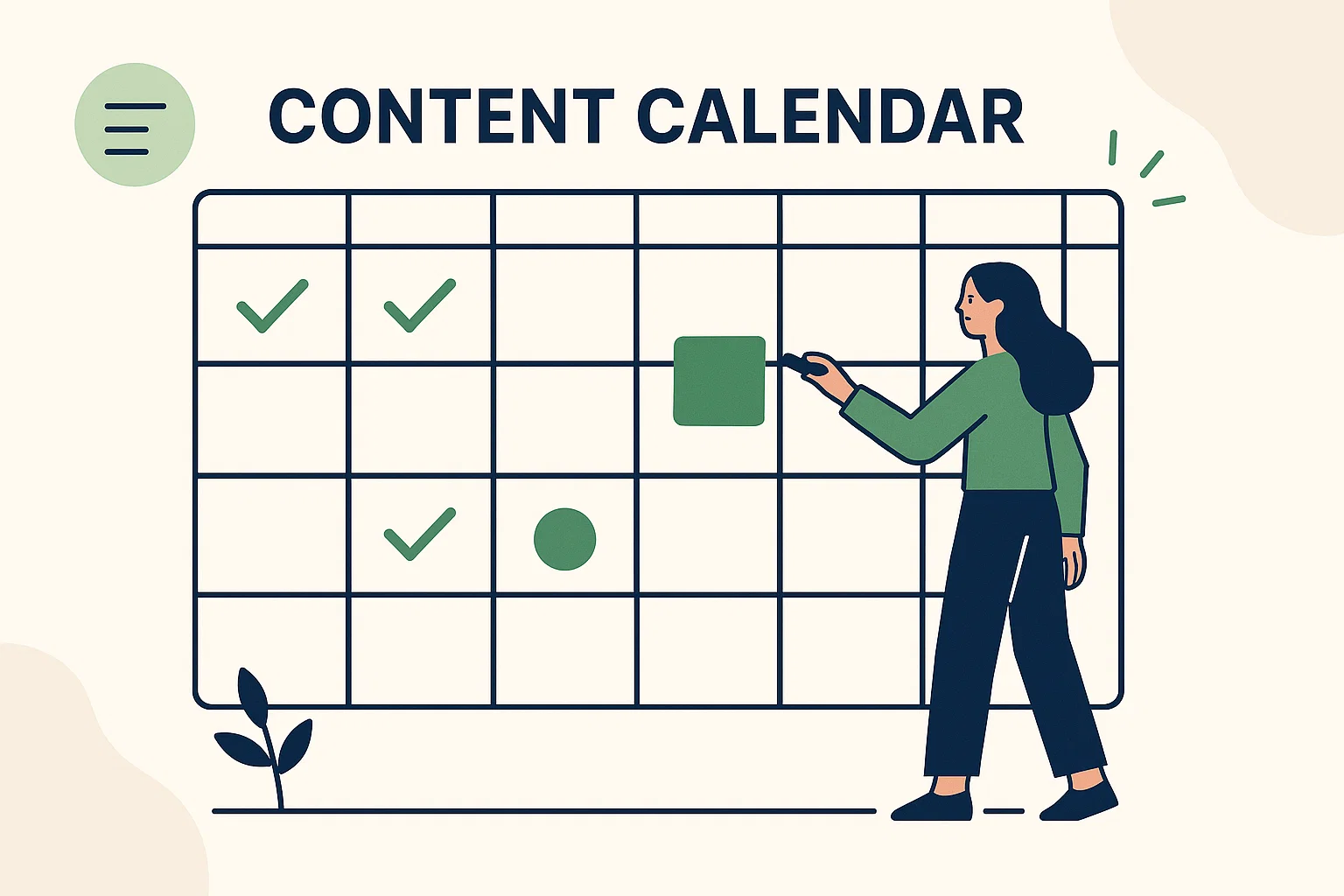
A content calendar serves as a visual roadmap of what you plan to publish, when, and where. It ensures you stay on track and makes it easier to coordinate between writers, designers, and marketers.
Key benefits of using a content calendar include:
- Consistency: Publishing on a regular schedule builds audience trust and helps SEO.
- Strategic alignment: You can align posts with marketing campaigns, seasonal trends, and product launches.
- Resource planning: Allocate tasks and deadlines based on workload and availability.
- Performance tracking: Easily evaluate what’s working and adjust based on results.
Step 1: Define Your Content Goals
Before building your calendar, define the purpose behind your content:
- Drive organic traffic through SEO?
- Support lead generation or eCommerce?
- Build brand awareness or thought leadership?
Your goals will influence content types (e.g., blog posts, videos, guides), publishing frequency, and target keywords.
Step 2: Determine Your Content Quantity
The number of pieces you should publish per week or month depends on your objectives and resources. Here’s a basic breakdown:
- Solo creators: 1–2 posts/week
- Small teams: 2–4 posts/week
- Agencies or large sites: 10–20+ posts/month
Quality matters more than quantity. It’s better to publish fewer, high-performing pieces than overwhelm your audience (and team) with mediocre content.
Step 3: Choose the Right Calendar Tool
Your content calendar doesn’t have to be fancy, but it must be functional. Here are some top tools:
1. Google Sheets or Excel
Simple, customizable, and easily shared. Perfect for small teams or solo creators.
2. Trello
Card-based view with labels, deadlines, and checklists. Great for managing workflows and collaboration.
3. Notion
An all-in-one workspace where you can combine content briefs, calendar views, and tracking in one place.
4. Asana or ClickUp
Ideal for teams needing deadlines, assignees, and cross-functional collaboration.
5. WordPress Editorial Calendar Plugin
If your site runs on WordPress, plugins like “Editorial Calendar” or “CoSchedule” help manage posts directly from your CMS.
Step 4: Build Your Content Calendar Structure
Here’s a basic structure for a content calendar. You can use a spreadsheet or any of the tools above.
| Date | Title/Topic | Type | Assigned To | Status | Target Keyword | Channel | Notes |
|---|---|---|---|---|---|---|---|
| 2025-01-15 | Best CMS Platforms | Blog | Anna | In Progress | best cms 2025 | Website, LinkedIn | Part of CMS Series |
You can customize it to include content marketing goals, funnel stage (Awareness, Consideration, Decision), audience persona, or link targets.
Step 5: Plan Topics and Keywords Ahead
Use tools like Ahrefs, SEMrush, or Google Keyword Planner to build a keyword-driven content plan. Combine that with seasonal and campaign-specific content.
Planning content at least one month in advance helps maintain consistency and reduces last-minute stress.
Step 6: Set a Workflow and Roles
A great calendar goes beyond topics, it organizes the entire content process. Define roles for:
- Content strategist / manager
- Writers
- Editors / reviewers
- SEO specialist
- Designer / developer (if needed)
Include stages like:
- Brief created
- Draft in progress
- SEO optimization
- Reviewed and approved
- Published
- Distributed
Step 7: Revisit and Optimize Monthly
Your calendar isn’t static. At the end of each month, review:
- Which content performed well?
- Which pieces underperformed?
- Where were there workflow bottlenecks?
Use these insights to adjust future plans, repurpose top-performing content, and improve efficiency.
Template Recommendations
Here are 3 ready-to-use formats you can replicate and customize:
1. Google Sheet Content Calendar
Include columns like Date, Title, Status, Keyword, Channel, and Assigned To. Add color-coding for visual clarity.
2. Notion Calendar + Board View
Use calendar for scheduling and board view for progress stages (To Do, In Progress, Published).
3. Trello Editorial Board
Set up lists for each status (Ideas, Assigned, Writing, Editing, Published), and add labels for content types, keywords, or campaigns.
Conclusion: Keep It Simple and Consistent
Creating and maintaining a content calendar isn’t just about staying organized, it’s about making your content process more intentional, data-driven, and effective. Start small, iterate based on results, and tailor the system to your team’s size and style.
Whether you’re planning 4 posts a month or 40, the right content calendar will help you hit deadlines, grow traffic, and scale your content with confidence.